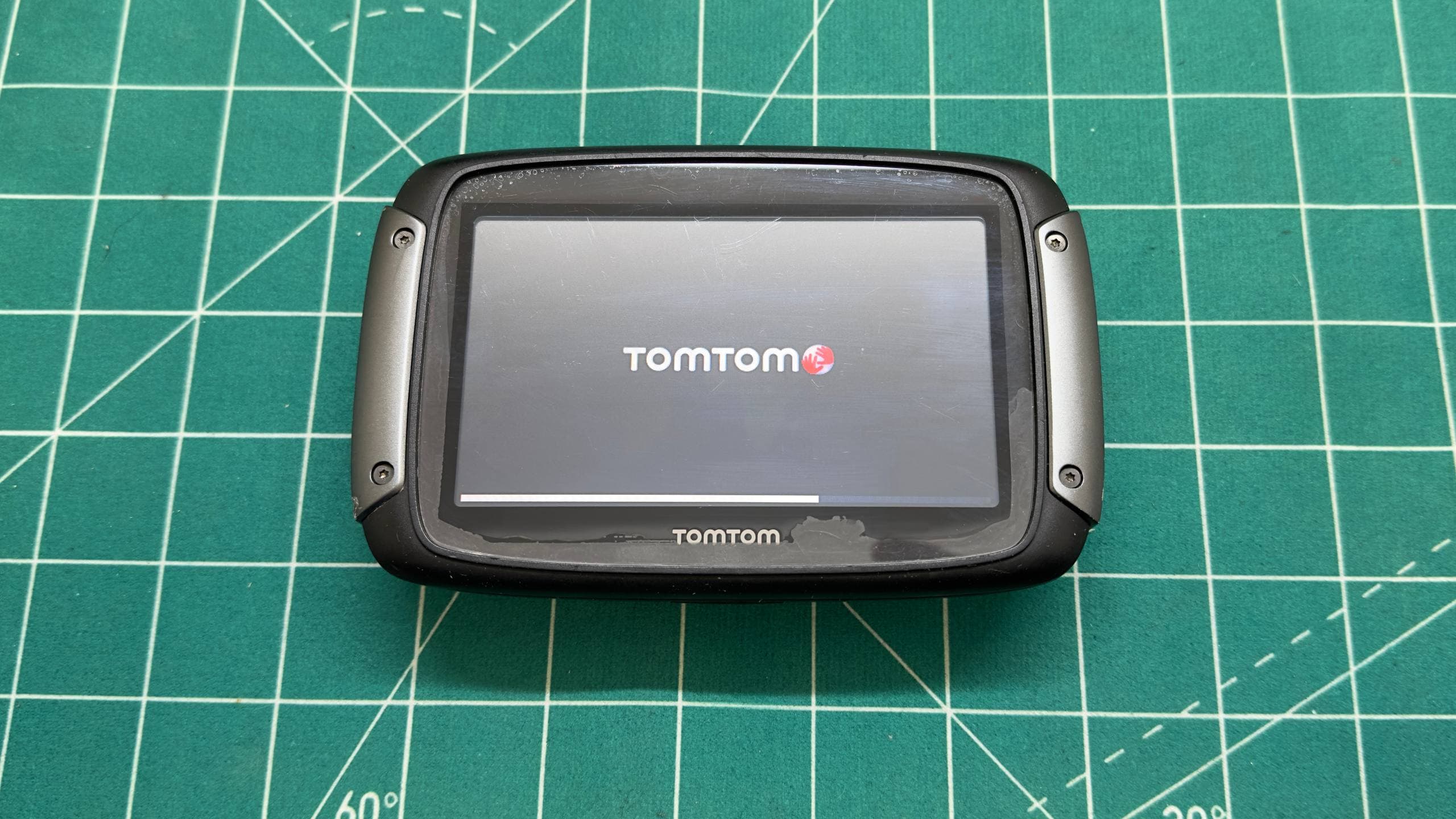
TomTom Rider 550 backlight repair without replacing the display
TomTom Rider 550 with no display backlight: two corroded LEDs replaced and the original screen restored. Motorcycle GPS repair in Belgrade.
TomTom Rider 550 after replacing the damaged LEDs: the image and backlight work again.
The display backlight had stopped working on this TomTom Rider 550 motorcycle navigator. The unit powered on, but the screen was practically unusable without illumination. This symptom is often mistaken for a failed LCD, leading to an immediate recommendation to replace the complete display assembly.
That expensive replacement was not necessary here. Careful diagnostics revealed a local fault: corrosion had destroyed two backlight LEDs, with a smaller amount of oxidation also present on the display connector.
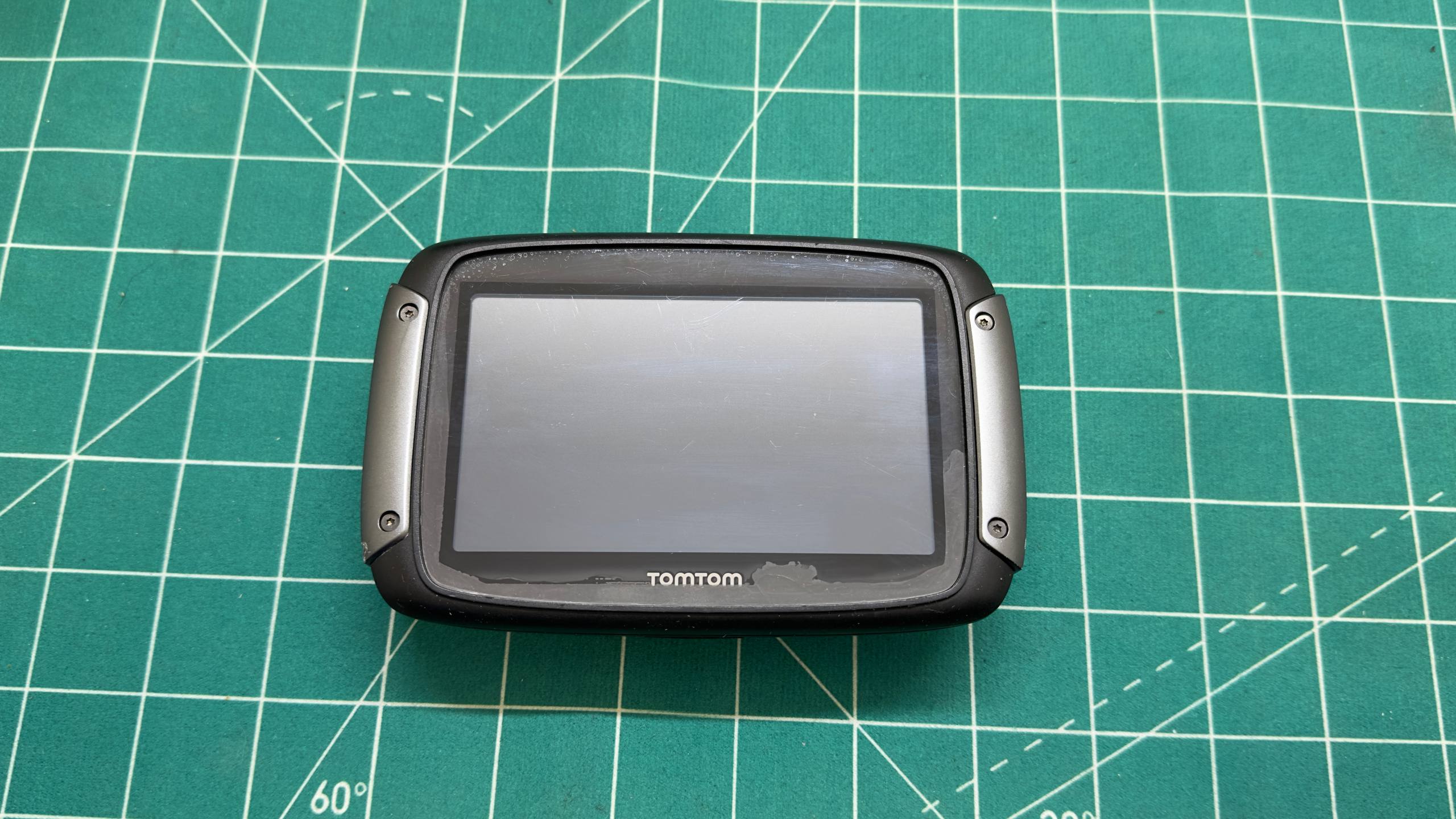
How a TomTom screen can show an image without a backlight
The LCD panel and its backlight are separate parts of the same assembly. The matrix creates the image, while LEDs positioned along the edge send light through a stack of optical layers. If the LED circuit is open, the navigator may boot and generate an image while the screen remains extremely dark.
Possible causes include the backlight driver, a damaged flex or connector, an open circuit, failed LEDs or corrosion. Before ordering a complete display, each section should be tested to confirm whether the LCD and touch layer are actually defective.
Diagnosing the TomTom Rider 550
After opening the navigator, we found light corrosion around the display connector. Testing the contacts and power lines showed that the main failure was deeper inside the module, on the LED strip itself.
Two LEDs were severely corroded and had effectively rotted away. Because the LEDs form a shared electrical circuit, the failure of only a few components can disable the entire backlight even when the remaining LEDs are healthy.
This type of damage is particularly relevant to motorcycle electronics. A navigator is exposed to temperature swings, humidity and condensation. Even a small amount of moisture inside the enclosure can gradually oxidise connectors and miniature components.
Opening the multilayer display module
The TomTom Rider 550 LED strip is located inside the display assembly. Removing the housing and disconnecting the flex cable is not enough; the complete screen stack must be carefully opened to reach the LEDs.
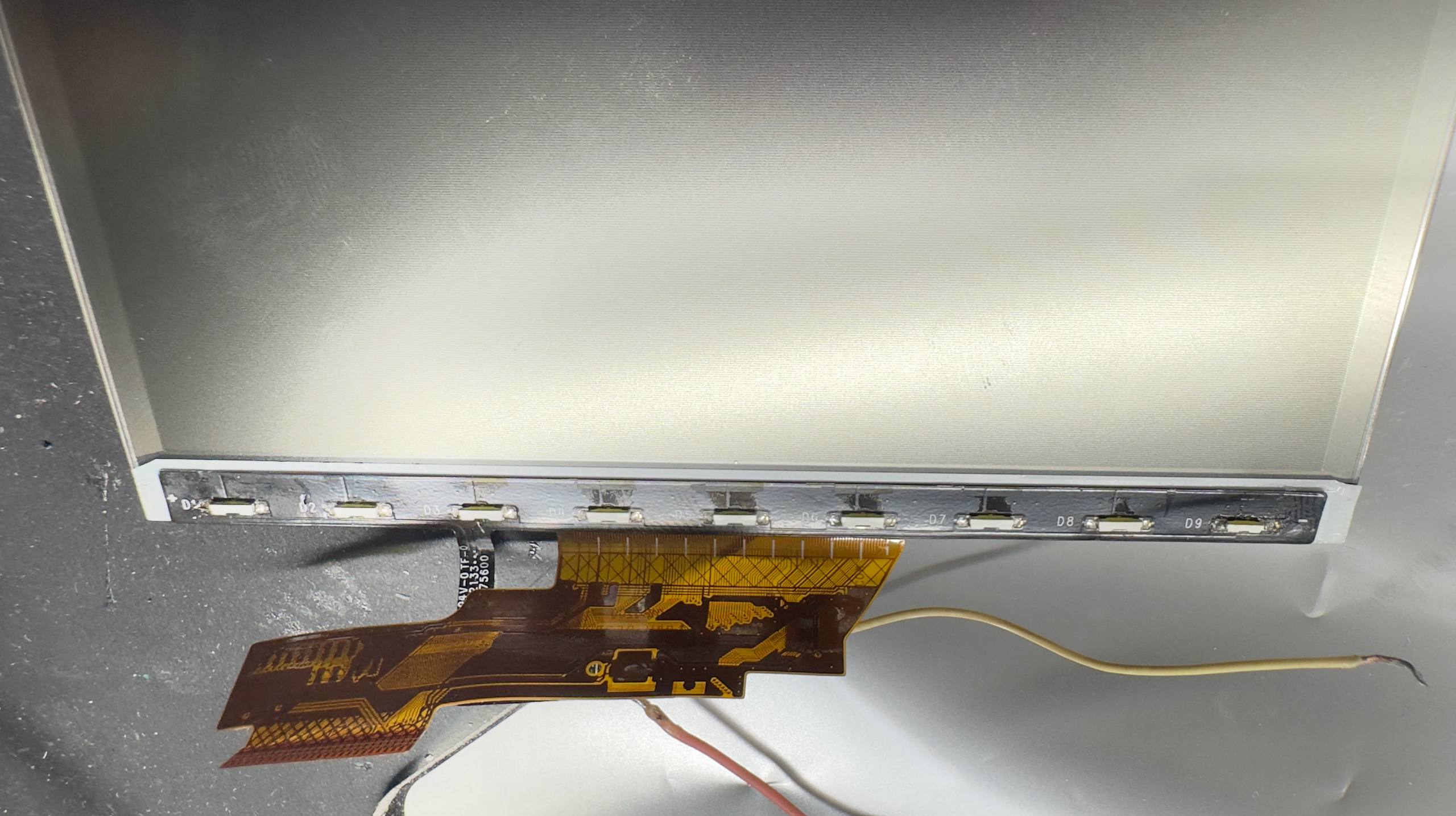
Inside are the LCD matrix, a light guide, a reflector and several diffuser films. Their order and orientation are critical. Incorrect assembly can create bright spots, bands, uneven illumination or dust trapped under the screen, while the LCD and flex cables are extremely fragile.
We separated the module under controlled conditions, reached the LED strip and preserved every optical layer for correct reassembly.
Replacing the two corroded LEDs
After cleaning the repair area, the two corrosion-damaged LEDs were replaced with compatible components matching the required electrical and optical characteristics. Oxidation at the display connector was also treated and the contacts were checked.
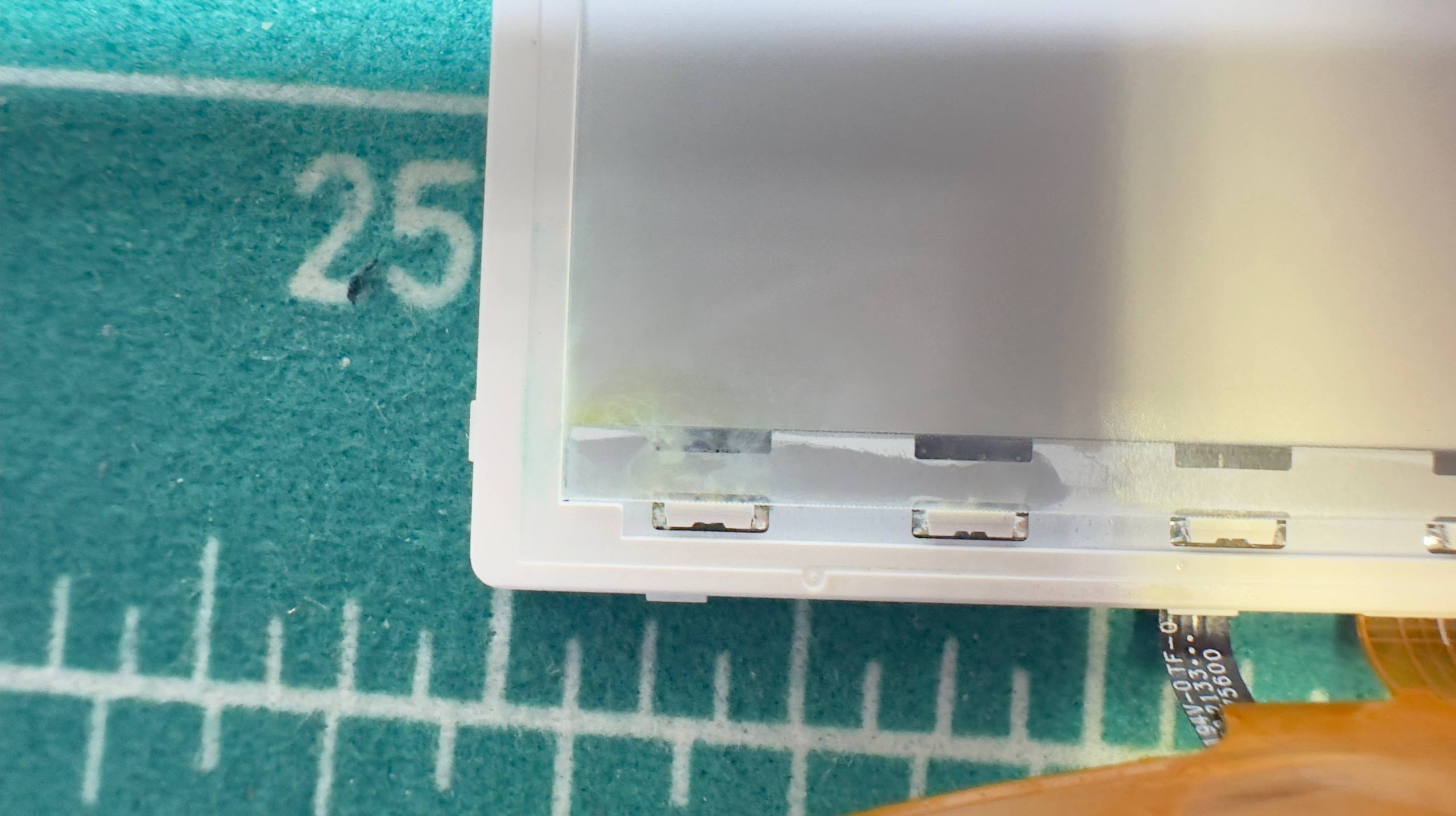
Matching the physical package alone is not enough. Replacement LEDs need compatible forward voltage, current and colour temperature. Otherwise the illumination can be uneven, or the new components may operate under the wrong load.
After soldering, we tested the complete LED circuit, illumination uniformity and stability at different brightness levels. The display stack was then rebuilt in the correct sequence and installed back into the housing.
Repair result
Replacing the two LEDs fully restored the backlight. The TomTom Rider 550 now boots normally, the image is clearly visible across the screen, brightness adjustment works and the navigator is fully operational again.
Most importantly, we were able to keep the original display. When the LCD and touch layer are healthy, repairing the specific backlight components is more sensible than replacing the entire assembly.
Why the full screen should not be replaced immediately
A complete module is usually much more expensive, and the quality of available aftermarket parts may differ from the original. Proper diagnostics separates an LCD failure from a backlight fault and avoids replacing parts that still work.
Component repair is not possible in every case. If the LCD, touch layer, flex cable or most of the LED strip is damaged, replacing the module may be justified. The decision should be based on inspection and measurements, not only on the symptom “the screen is dark”.
What to do when a navigator loses its backlight
- Do not press the screen or repeatedly flex the housing.
- Do not heat the display with a hair dryer; optical films and adhesives can deform.
- If the unit was recently wet, switch it off and do not connect a charger before inspection.
- Do not order a screen before diagnostics: the fault may be in the LED circuit, connector or power supply.
Once a device designed for wet-weather use has been opened, its original water resistance cannot be guaranteed automatically. Seals and housing condition should be inspected during reassembly, but the navigator must still be used with the understanding that its original protection may have been reduced.
TomTom Rider 550 repair in Belgrade
MyService provides car and motorcycle GPS diagnostics and repair for TomTom Rider and GO, Garmin Zumo and Drive, BMW Motorrad Navigator and other models. We work on backlights, connectors, power circuits and flex cables as well as complete board-level repairs, not only module replacement.
If your navigator screen is dark, flickers or has lost its backlight completely, bring the device in for diagnostics. We identify the exact cause first and recommend a repair only afterwards — without replacing a working display unnecessarily.
1 view