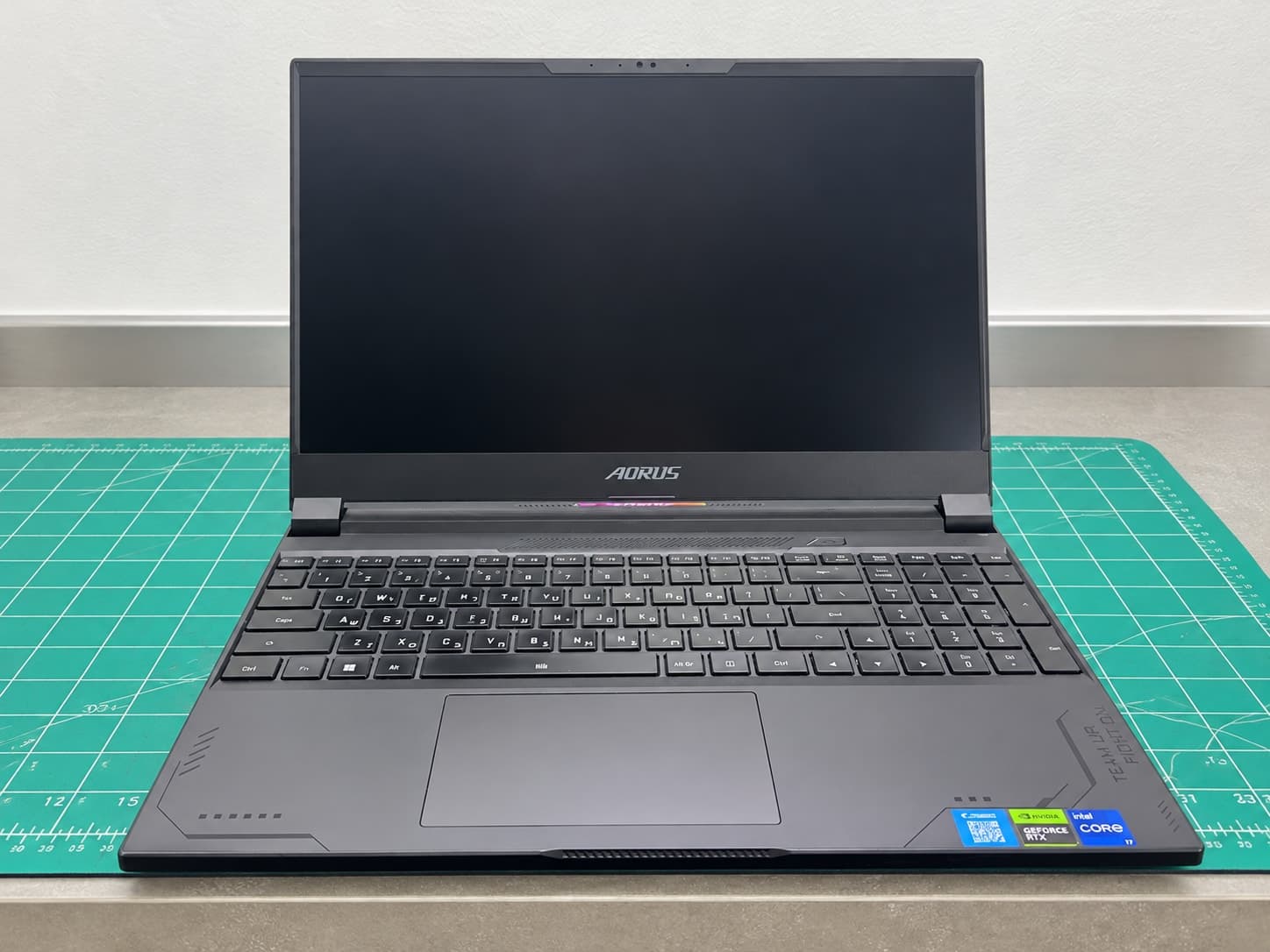
Gigabyte AORUS fan replacement and cooling system service
Two-fan replacement, heatsink cleaning and Thermal Grizzly Kryonaut Extreme paste on a Gigabyte AORUS gaming laptop. Detailed repair case.
Gigabyte AORUS after complete cooling service: both fans replaced, heatsinks cleaned and thermal paste renewed.
A Gigabyte AORUS gaming laptop arrived for cooling-fan replacement. Fans in a high-performance notebook work hard: they move a large volume of air through compact heatsinks, bringing dust into the chassis in the process. Bearings eventually wear, rotation becomes unstable and airflow through the fins deteriorates.
We replaced both fans, thoroughly cleaned the cooling system and renewed the thermal paste on the processor and graphics chip. The new compound was premium Thermal Grizzly Kryonaut Extreme. After reassembly, we tested start-up, fan control and stability under load.
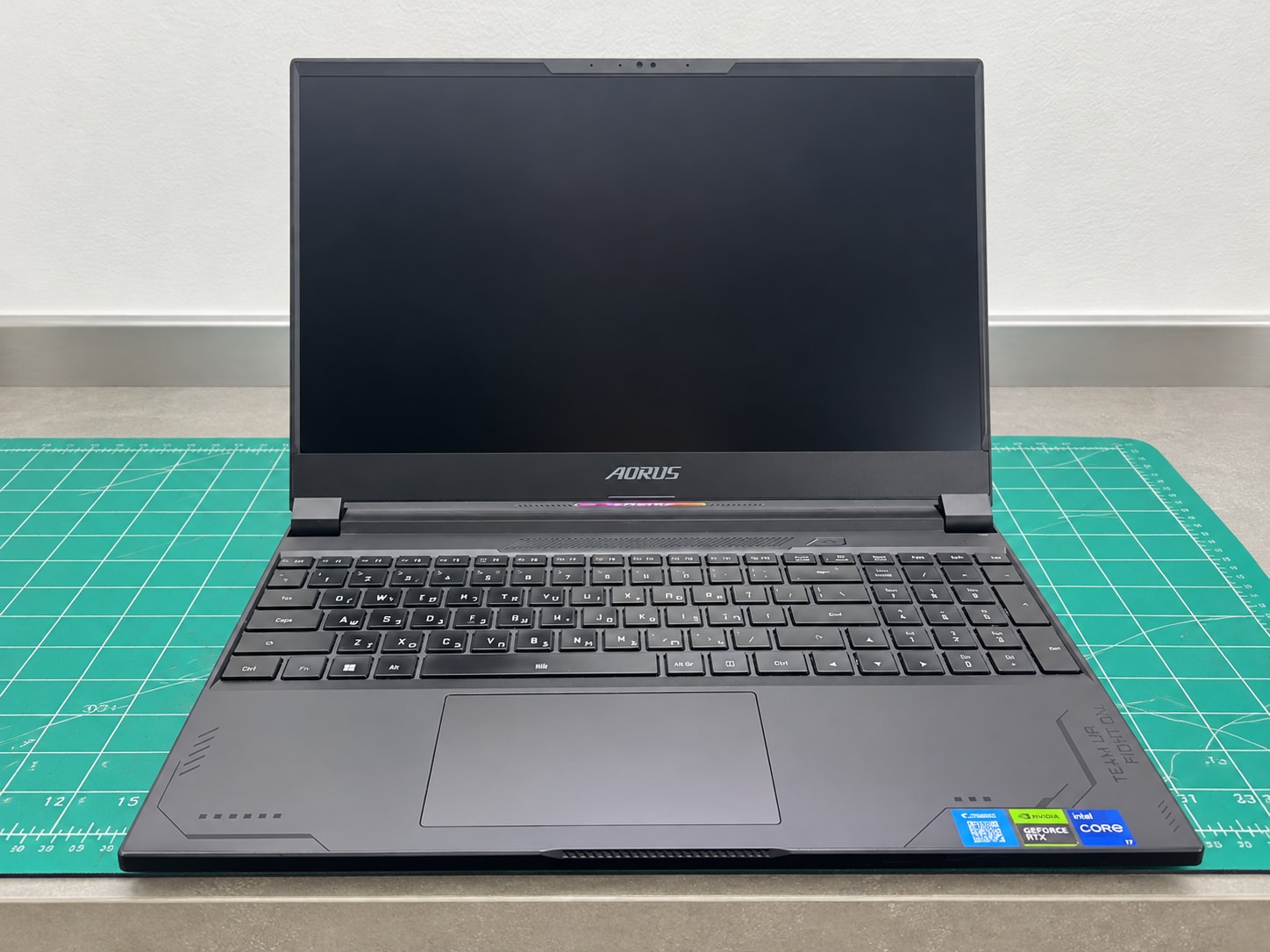
Why a gaming laptop uses two fans
An AORUS notebook combines a powerful processor with a discrete graphics card. Both components generate substantial heat during gaming, rendering, video editing and other sustained workloads. Heat pipes carry that energy to fin stacks, while two fans push the heated air out of the chassis.
The cooling assembly works as one system. If one fan cannot reach the required speed, temperatures can rise beyond the component closest to it because heat pipes are shared and space inside the laptop is limited.
Signs of a failing laptop fan
A cooling problem may present as:
- rattling, scraping, buzzing or vibration;
- a fan that does not start reliably;
- speed that changes erratically;
- one fan moving noticeably less air than the other;
- a hotter keyboard or chassis;
- reduced CPU or GPU clock speed in games;
- restarts or shutdowns under load;
- cooling that runs at maximum speed continuously.
Similar symptoms can also result from blocked fins, an aged thermal interface, software settings or high background load. That is why the complete cooling system should be diagnosed before parts are ordered.
Diagnosis before repair
Our initial checks cover:
- Boot behaviour and idle operation.
- Sound from both fans at different speeds.
- Whether fan speed is detected and controlled correctly.
- Airflow through each exhaust.
- CPU and GPU temperatures.
- Signs of impact, liquid or previous repair.
This separates mechanical fan wear from ordinary contamination and unrelated faults.
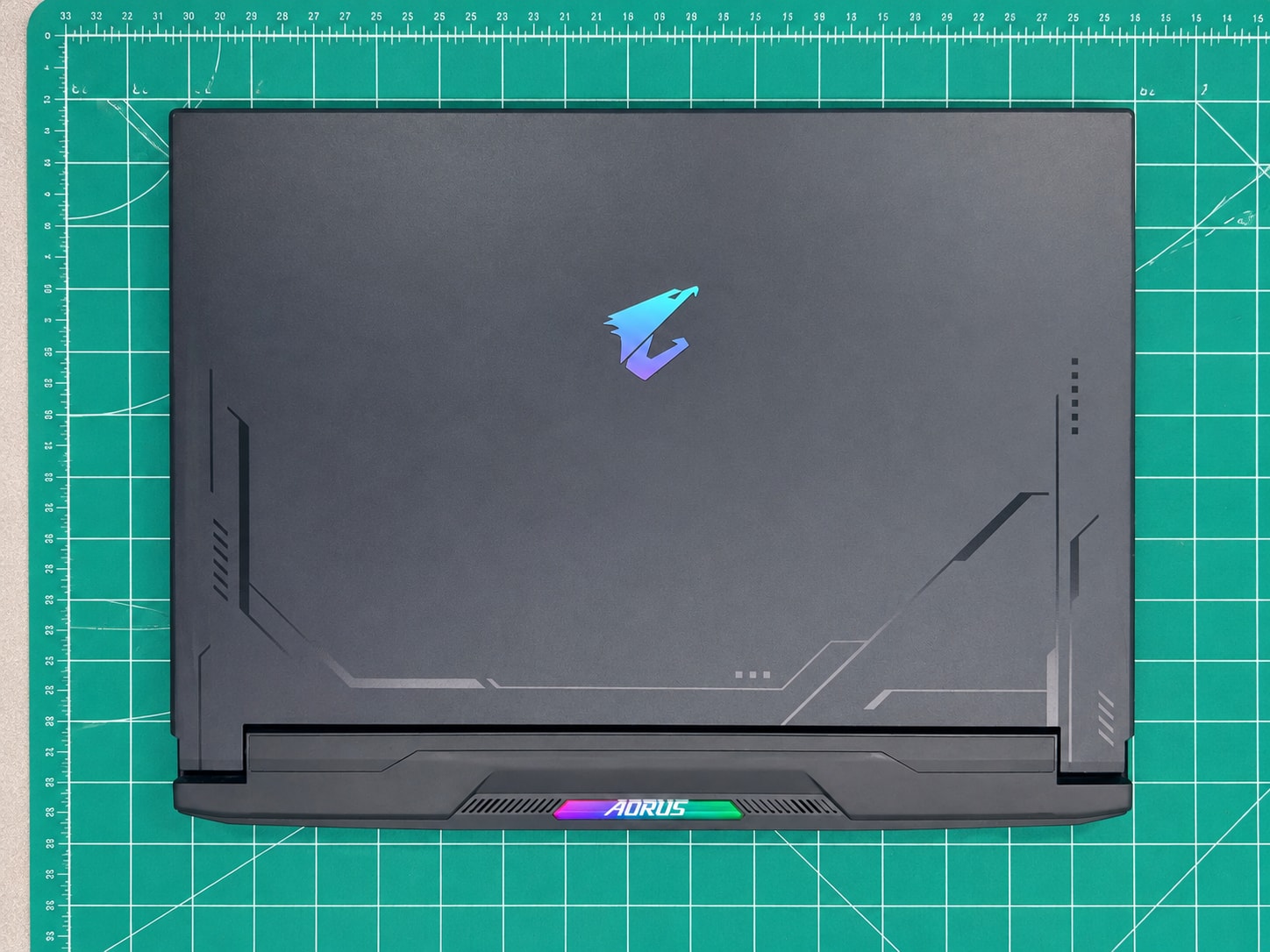
Replacing both Gigabyte AORUS fans
After removing the bottom cover, we disconnected the battery first. This is an essential safety step because the fan connectors and cooling assembly sit next to powered board components.
The worn fans were removed, and their connectors, wiring and mounting points were inspected. A replacement fan must match not only the housing shape but also the connector, pinout, operating voltage and airflow direction.
This AORUS uses two fans, several heat pipes and separate fin stacks at the chassis edges. After installation, it is important to confirm that the impellers do not touch their housings, cables are routed correctly and air passes freely through every radiator section.
Cleaning the heatsinks and air channels
New fans alone cannot restore proper cooling when a dense dust layer remains between the blowers and fin stacks. During this service we cleaned:
- both heatsink fin stacks;
- intake and exhaust channels;
- the inside of the bottom cover;
- board areas around the cooling system;
- fan housings and blades before final assembly.
Proper cleaning is performed with the laptop disassembled. Blowing air through a closed chassis often moves debris deeper inside, while spinning a fan uncontrollably with compressed air can damage its bearing or electronics.
Thermal Grizzly Kryonaut Extreme thermal paste
Once the heatsink was removed, the old thermal compound was cleaned from the CPU and GPU, and the contact surfaces were prepared. We then applied Thermal Grizzly Kryonaut Extreme, a high-performance paste suited to systems with demanding heat loads.
The manufacturer highlights these properties:
- high thermal performance;
- electrically non-conductive composition;
- no curing period after application;
- long-term durability without rapid hardening;
- fine particles that support a thin, even interface layer.
Thermal paste does not cool a processor by itself and cannot compensate for a failed fan or blocked heatsink. Its role is to fill microscopic surface imperfections between the chip and heatsink. Correct quantity, distribution and mounting pressure are therefore as important as the product name.
Thermal pads on memory and power components must not be casually replaced with paste. Their specified thickness bridges a physical gap, so their condition and position are assessed separately.
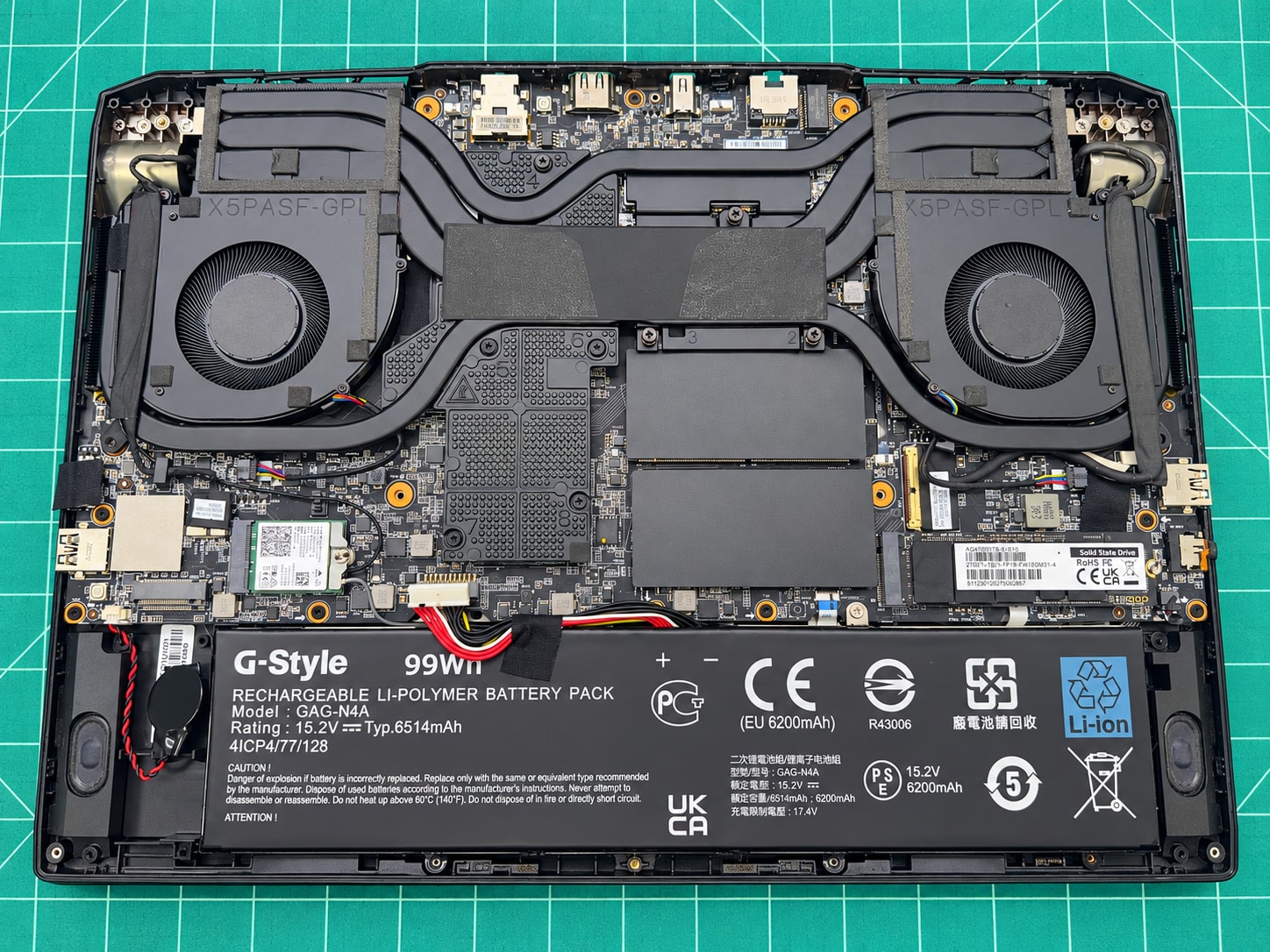
Reassembly and final testing
The cooling assembly was installed with even mounting pressure, the fans and battery were connected, and the case was reassembled. Final checks included:
- reliable start-up of both fans;
- no rattling, vibration or impeller contact;
- fan-speed changes in response to load;
- airflow through the left and right fin stacks;
- CPU and GPU temperatures;
- absence of emergency thermal throttling;
- stability during a sustained load test.
The repair was successful. Both fans operate correctly, the system is clean, the thermal interface has been renewed and the laptop is ready for further work and gaming.
Why a noisy fan should not be ignored
Lubrication rarely provides a lasting repair for a worn laptop fan. Bearing play remains, noise returns and the blower may stop completely at the worst possible time. Excessive heat accelerates ageing of the board, GPU, memory, power stages and battery.
If a fan starts rattling or stops intermittently, diagnosis before repeated thermal shutdowns is safer and usually less expensive than waiting for additional damage.
Gaming laptop repair in Belgrade
MyService provides laptop repair in Belgrade, including fan replacement, cooling-system cleaning, thermal-paste and thermal-pad service, power repair, connector repair, keyboard and display replacement, and board-level diagnostics. We work on Gigabyte AORUS, ASUS ROG and TUF, MSI, Lenovo Legion, Acer Predator and Nitro, HP Omen, Dell G-Series and Alienware laptops.
If your laptop is noisy, overheats, loses performance or shuts down while gaming, bring it in for a free initial diagnosis. We identify the cause before agreeing the required parts and repair cost.
Frequently asked questions
Do both fans always need replacement?
Not always. The decision depends on the condition and age of each fan, availability of a matched set and the notebook design. Both fans were replaced in this repair.
Is replacing thermal paste alone enough?
Not when a fan is mechanically worn or the heatsink is clogged. Effective cooling requires working fans, clean fin stacks, correct mounting pressure and a suitable thermal interface.
How often should a gaming laptop be cleaned?
The interval depends on workload, dust, pets and where the laptop is used. Noise, temperature and airflow are more useful indicators than a fixed calendar schedule.
Does this repair erase data?
Fan replacement and cooling maintenance normally do not affect the storage drive or user data. Keeping a backup of important files before any service remains good practice.
0 views