Garmin Fenix 7 Pro water damage: corrosion under the button
Garmin Fenix 7 Pro button not working after water? Board corrosion under the microscope, cleaning and button replacement. Garmin repair in Belgrade.
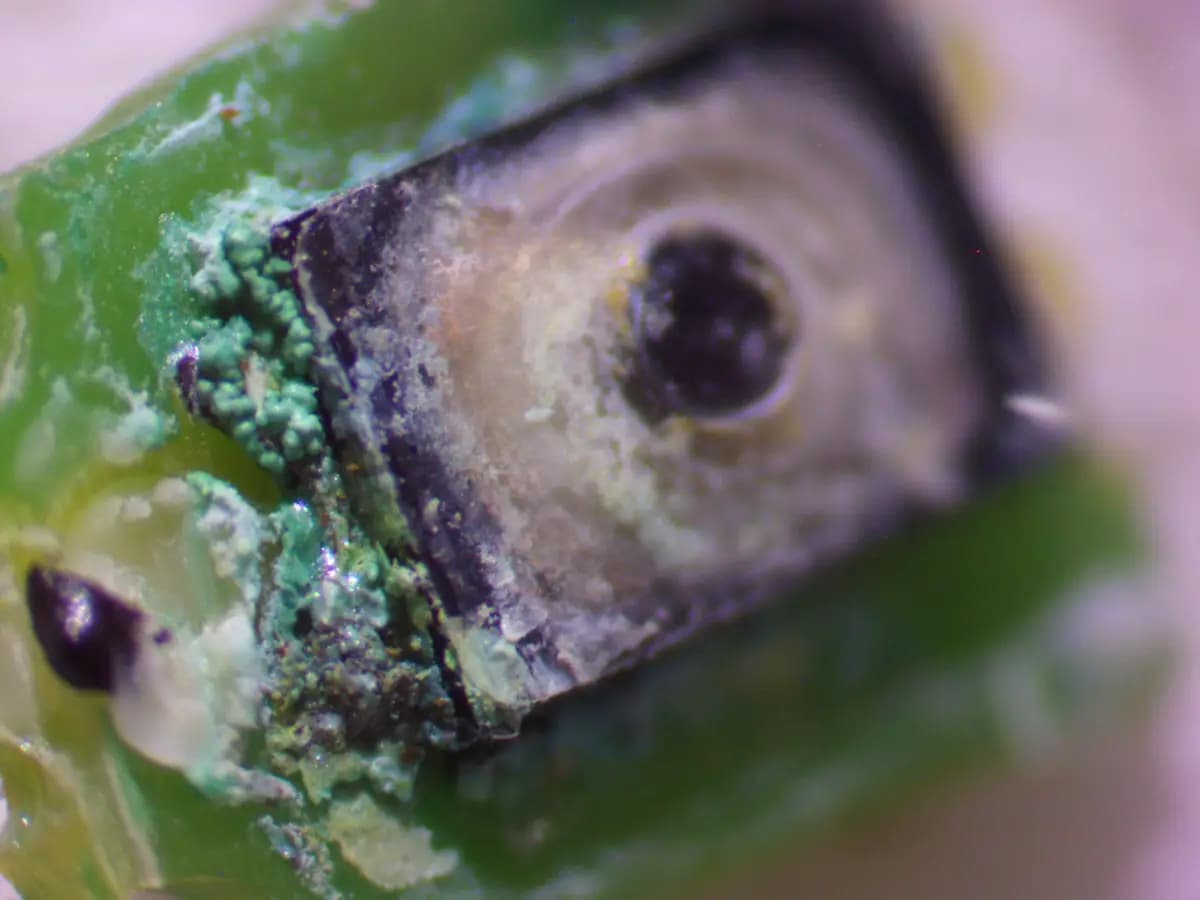
Green deposits are copper corrosion, the white layer is salt left behind by the water
The Garmin Fenix 7 Pro is rated at 10 ATM — people swim with it, snorkel, shower and take it into the sauna. That is exactly why owners are genuinely surprised when, after one more swim, the watch stops responding to a button press. Using a real case from our workshop, here is why that happens and what a technician actually does about it.
Why a button fails on a "waterproof" watch
A 10 ATM rating does not describe absolute sealing. It describes a laboratory test with static pressure, on a brand-new case. Real life adds everything the test leaves out:
- Dynamic pressure. Your palm hitting the water during front crawl briefly produces a load well above a static 10 atmospheres.
- Temperature swings. A hot shower, a sauna, a jump into cold water — the air inside the case contracts and expands, pushing against the seals.
- Rubber ageing. Button O-rings harden from sweat, sunscreen, salt water and chlorine. After two or three years they no longer seal the way they did on day one.
- Mechanical wear. The button is the only moving part of the case. Every press shifts the seal slightly and wipes away the lubricant underneath.
A microscopic channel is enough — and what gets in is not "water" in the abstract, but water carrying salt, chlorine or soap. Those contaminants do all the damage.
What we saw under the microscope
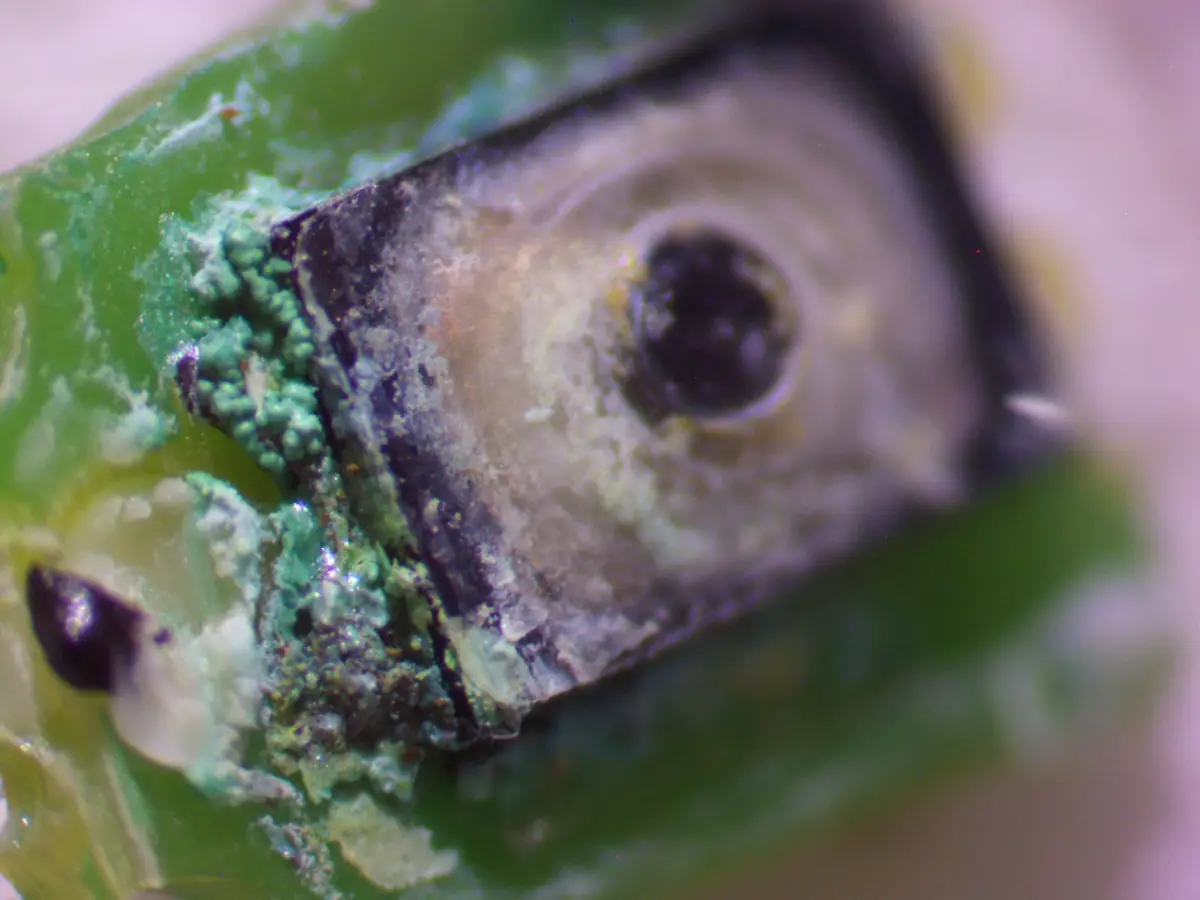
The photo shows the Fenix 7 Pro button assembly at magnification. Two telltale signs are clearly visible:
- Green deposits — copper corrosion products, forming wherever moisture carrying salts reached the contacts.
- A whitish, powdery layer — the salts themselves plus flux residue, which attract moisture and keep the process going.
The key point: corrosion continues long after the watch looks dry on the outside. Salt is hygroscopic — it pulls moisture out of the air, and the electrochemical process runs for weeks. So "it got wet but it still works" is not a reason to relax; it is a reason to have it looked at.
How the diagnosis goes
- Questions first. Where and when it got wet, and what kind of water — sea, pool, shower. Sea water is the most aggressive, chlorinated water comes next.
- Opening and inspection. We remove the back, check the moisture indicators, the condition of the seals and the whole board — not just the button.
- Microscope inspection. Corrosion is almost always wider than it looks from outside: it spreads from the button along the traces and onto neighbouring components.
- Circuit testing. We ring out the button lines to establish whether only the switch is damaged or the traces and pads have gone too.
What the repair involves
- Ultrasonic cleaning of the board in a dedicated fluid — it flushes salts out from under components, where a cotton swab will never reach.
- Button replacement. We remove the damaged switch, clean the pads and fit a new one.
- Trace repair where corrosion has eaten through — a jumper in place, then sealed with lacquer.
- New seals and reassembly, because without that the next swim repeats the whole story.
- Testing every button, sensor and the charging circuit under load, rather than "it clicks, good enough".
In most cases the board itself survives: the damage is the button and the local area around it. But if months have passed since the water got in, corrosion reaches the power rails and the circuitry around the processor — and then the repair is harder and more expensive.
What not to do yourself
- Do not use a hairdryer. Hot air drives water deeper under the screen and components, and risks damaging the adhesive and the display.
- Do not put it in rice. Rice does not pull moisture out from under components, but it does add starch dust. This myth has cost a lot of boards their lives.
- Do not charge a wet watch. Applying power to a damp board is the fastest way to turn local corrosion into burnt traces.
- Do not wait for it to "sort itself out". Salts do not evaporate. The longer you wait, the bigger the job.
What to do right after water gets in
- Turn the watch off if you can.
- Remove the strap and dry the case thoroughly on the outside.
- Do not charge it and do not press the buttons unnecessarily.
- Get it to a technician as soon as possible — cleaning in the first few days is almost always cheaper than trace repair a month later.
Reducing the risk next time
- Rinse the watch with fresh water after the sea or the pool.
- Do not press the buttons underwater — that is precisely when the seal is most likely to let water through.
- Avoid saunas and hot showers: the temperature swing is more dangerous than the depth.
- If the watch is more than two or three years old and goes in the water regularly, it is worth replacing the seals as planned maintenance.
Garmin repair in Belgrade
We do component-level repair of Garmin smart watches: cleaning after water damage, button replacement, trace repair, glass and battery replacement. Diagnostics show the real scope of work before the repair starts, not after. Bring the watch in — we will look at it under the microscope and tell you honestly what is wrong with it.
0 views