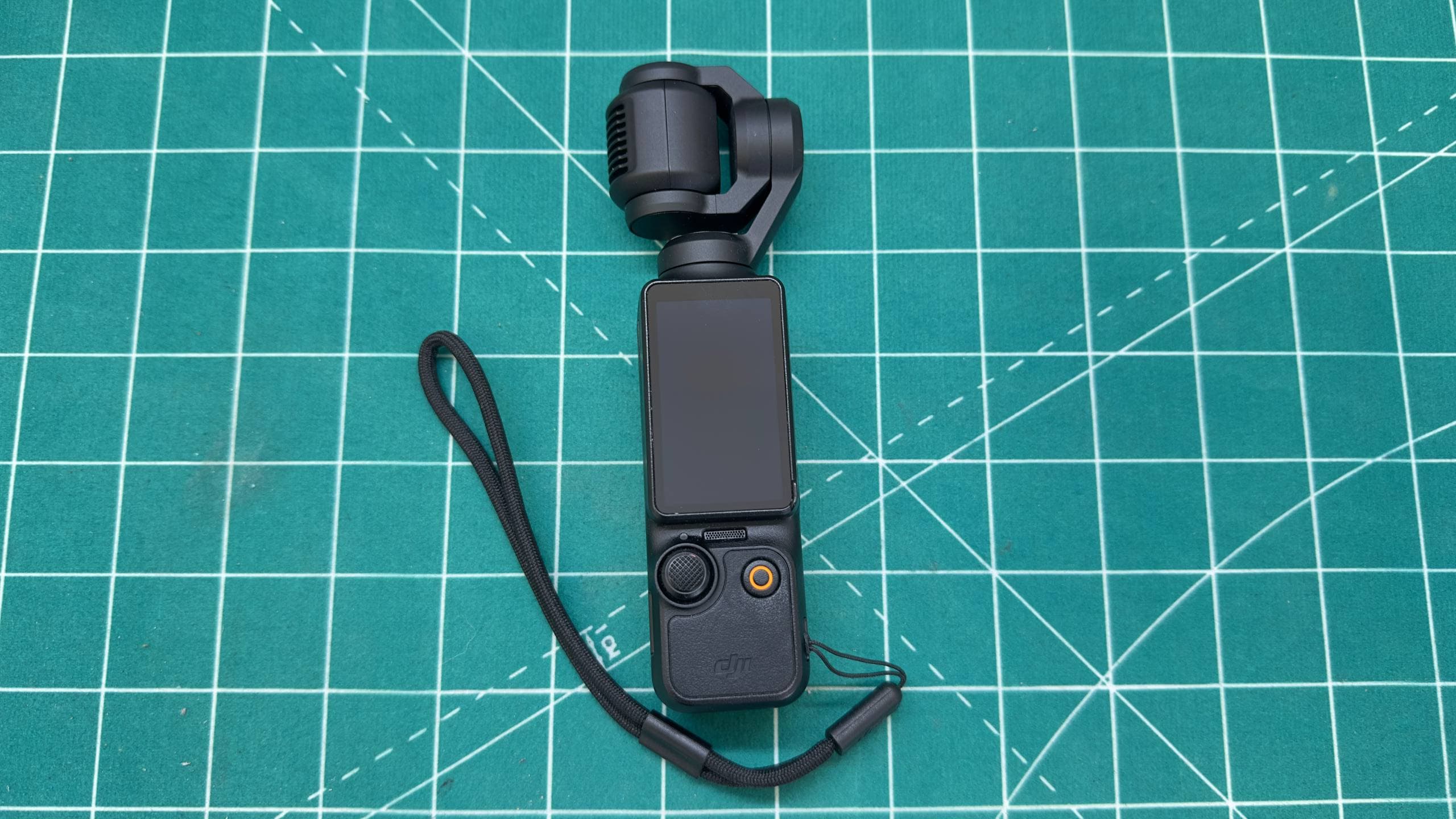
DJI Osmo Pocket 3 screen magnet replacement
DJI Osmo Pocket 3 screen would not stay in place. We replaced the display magnet and tested rotation, touch input, orientation and gimbal operation.
DJI Osmo Pocket 3 after repair: replacing the retaining magnet restored secure portrait and landscape screen positions.
This DJI Osmo Pocket 3 arrived with a rotating display that would no longer stay securely in position. The screen remained too loose after rotation and could move during normal handling. That made the camera awkward to use and placed unnecessary stress on the display mechanism.
The cause was a small but important part of the mechanical retention system: the magnet inside the display assembly. After replacement, the screen once again holds its selected position, rotates smoothly between portrait and landscape orientation and works normally.
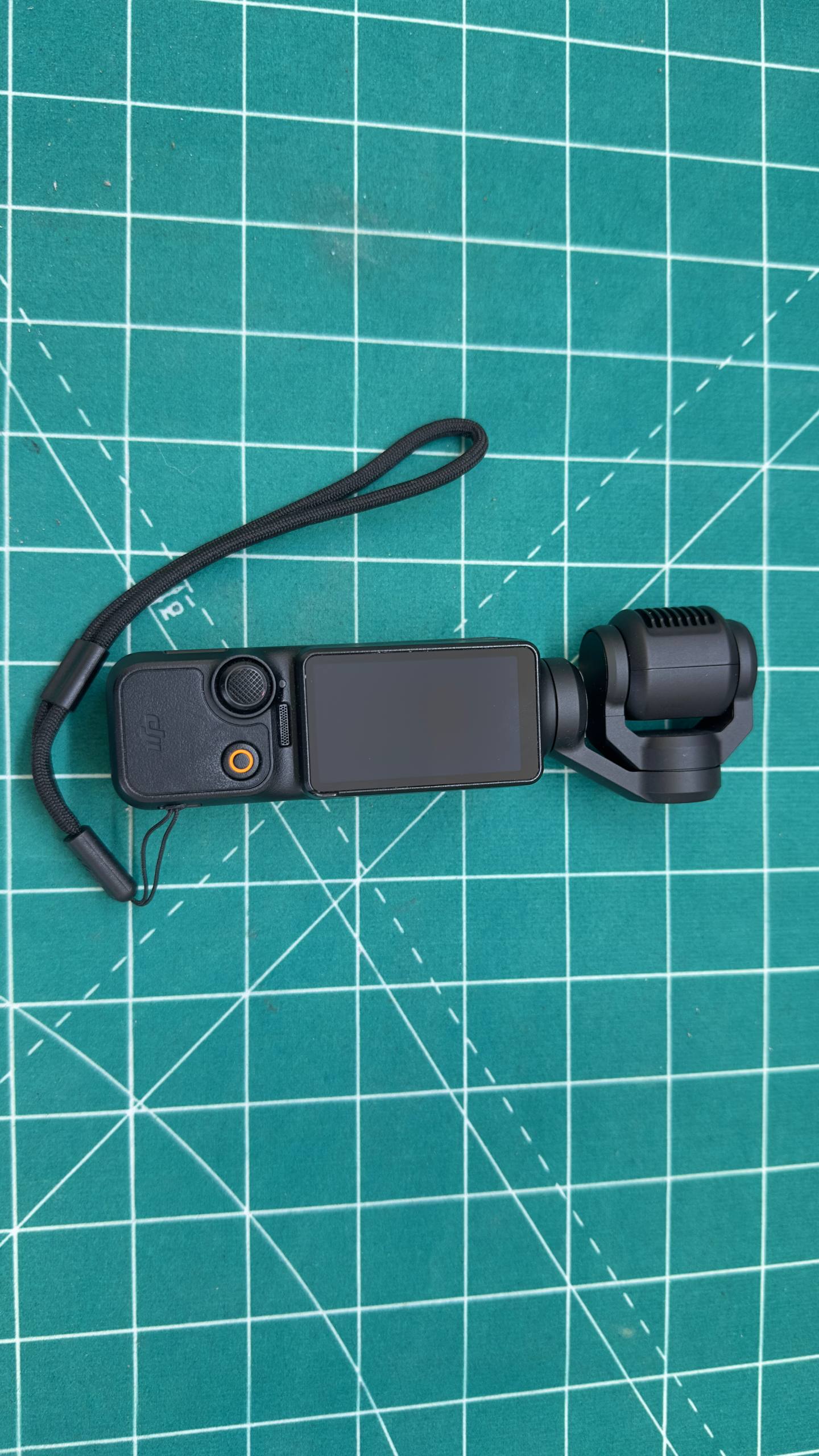
Why the rotating screen matters
Osmo Pocket 3 uses a two-inch rotating OLED touchscreen. It is more than a viewfinder and menu interface. Screen position is associated with portrait or landscape capture, and rotating it can also be used for quick power-on and shutdown.
The assembly therefore has to function both as a precise touchscreen and as a reliable moving mechanism. It should rotate with consistent resistance, reach its intended positions and remain stable while recording.
Weak retention does not automatically mean the OLED panel has failed. The image and touch layer may remain fully operational while the fault lies in the magnet, its seat or another part of the rotating structure.
Symptoms in this repair
The display:
- would not remain in its intended position;
- felt too loose after rotation;
- could change angle during normal camera movement;
- had noticeable play in the assembly;
- still displayed an image and responded to touch.
Those details help separate a mechanical fault from a display fault. If the picture is clear and touch control works, replacing the complete screen before inspecting the mechanism is premature.
What can stop the screen from staying in place
Similar symptoms can be caused by:
- a damaged, displaced or missing retaining magnet;
- damage to the magnet seat;
- parts shifting after an impact or drop;
- looseness in the rotating mechanism;
- a deformed display frame;
- contamination or old adhesive;
- flex-cable or housing damage after an earlier repair.
Before disassembly, the frame should be checked for cracking, misalignment and abnormal resistance. A screen that jams should never be forced, as this can damage the flex cable, touch panel or mounts.
DJI Osmo Pocket 3 diagnosis
We first checked the camera without opening it:
- Power-up and power stability.
- Display image and touchscreen response.
- Interface orientation in portrait and landscape positions.
- Free screen rotation and any visible misalignment.
- Play, resistance and retention points in the display module.
- Gimbal operation and the absence of stabiliser errors.
The OLED display, touch layer and rotating assembly were otherwise functional. The fault was localised to the retaining magnet.
Why magnet size and position matter
In a compact camera, even a very small component has to fit its seat precisely. A magnet that is too thick may protrude, obstruct rotation or press against the frame. A weak magnet will not retain the screen, while incorrect orientation may prevent it from working with the matching part of the mechanism.
Replacement requires attention to:
- component dimensions and shape;
- holding force;
- magnetic orientation;
- seat depth and geometry;
- clearance from moving parts and the flex cable;
- secure retention of the magnet itself.
Gluing a random magnet to the outside is not a proper repair. It may interfere with rotation, spoil the housing and leave the underlying fault unresolved.
How the magnet was replaced
The display assembly was carefully opened to reach the retaining point. The screen must not be pulled by its frame or allowed to fold its flex cable because the parts are small and internal clearance is limited.
The damaged element was removed, the mounting surface was prepared and a compatible retaining magnet was fitted in the correct position. We checked that it did not protrude, touch moving parts or obstruct rotation, while still providing sufficient holding force.
The display assembly was then rebuilt while monitoring free movement and alignment.
Post-repair testing
Testing after replacement covered:
- repeated screen rotation in both directions;
- retention in portrait and landscape positions;
- correct interface orientation changes;
- camera power-up and touchscreen controls;
- test video recording and file saving;
- joystick and button operation;
- gimbal start-up, motion and stabilisation;
- absence of friction, clicking or excessive play.
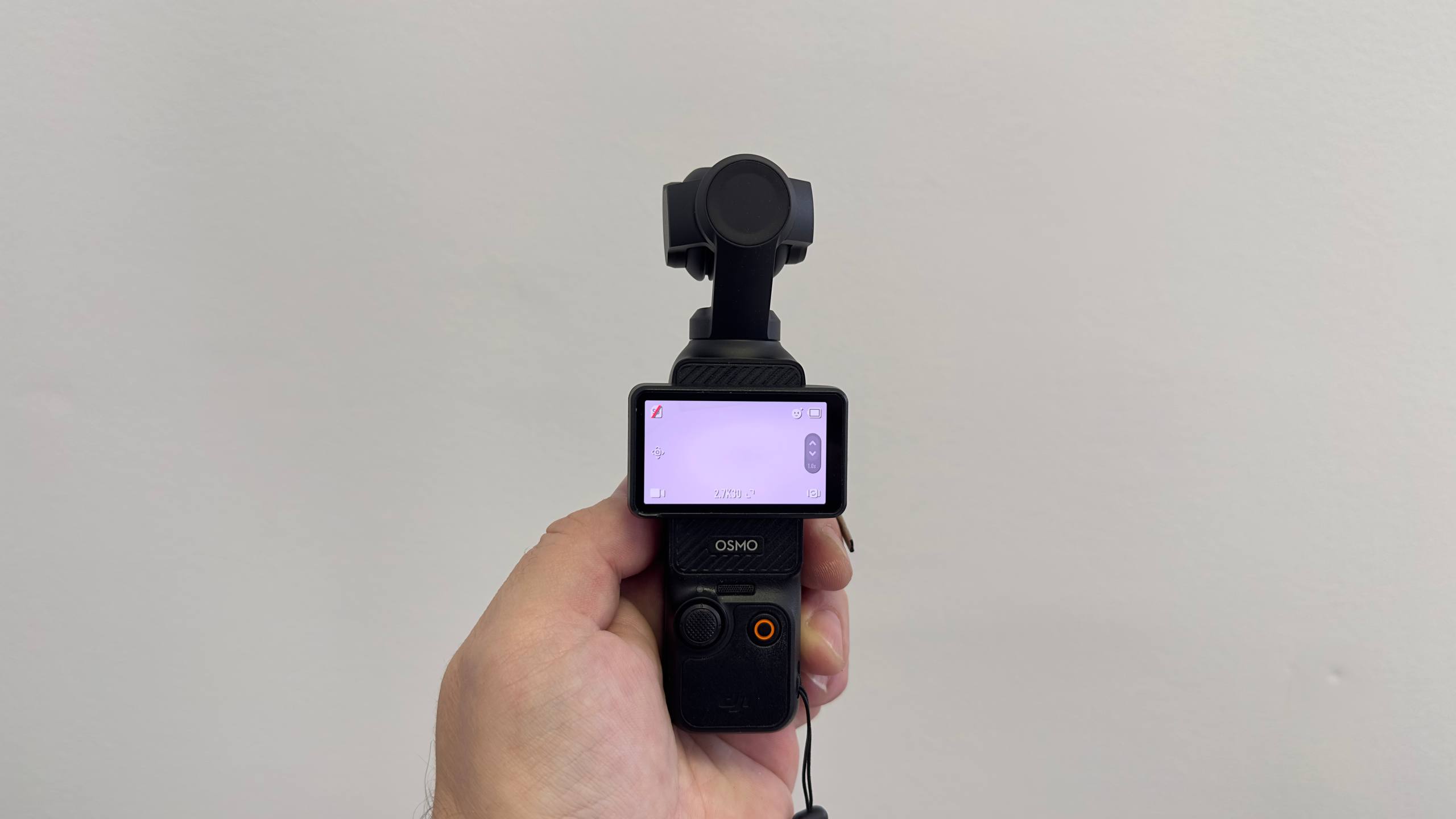
The display now holds its selected position again. Rotation is smooth, the image and touch controls work, and the camera is ready for normal recording.
Why the complete display did not need replacement
The screen is an expensive module, but a retention fault is not necessarily related to the OLED panel or touch layer. In this case, the image was normal, touch input worked and the flex cable showed no signs of failure.
Accurate diagnosis made it possible to replace only the failed component and preserve the original display. A complete module may be justified when there are cracks, no image, spots, lines, failed touch input or a damaged flex cable—not simply because the screen is loose.
What to do when a Pocket 3 screen is loose
- Do not force the screen or wedge it with another object.
- Do not apply superglue from the outside; it can flow into the mechanism and damage plastic or the cable.
- Do not attach a random magnet to the housing.
- Use the protective cover when carrying the camera with hard objects.
- After a drop, check gimbal operation as well as the display.
If the play is increasing, have the camera inspected before repeated movement damages the frame or flex cable.
DJI Osmo Pocket 3 repair in Belgrade
MyService provides action-camera and dash-cam repair in Belgrade, including DJI Osmo Pocket 3, Pocket 2, GoPro, Insta360 and other compact cameras. We diagnose displays, rotating mechanisms, gimbals, USB-C ports, power circuits, batteries, controls and boards.
If the DJI Pocket 3 screen will not stay in position, feels loose, will not rotate or does not respond to touch, bring the camera in for diagnosis. We identify whether the fault is in the magnet, mechanism, frame, flex cable or display before recommending a repair.
Frequently asked questions
Can I keep using Pocket 3 with a loose screen?
The camera may continue working, but uncontrolled movement increases stress on the frame and flex cable. Repairing the play early helps prevent additional damage.
Does the complete display need replacement?
Not always. If the image and touch layer are healthy and the problem is limited to the retaining element, a local repair may preserve the original OLED module.
Does this repair erase recordings or settings?
A standard mechanical repair does not require deleting the memory card or resetting the camera. Important footage should still be backed up before any service visit.
6 views