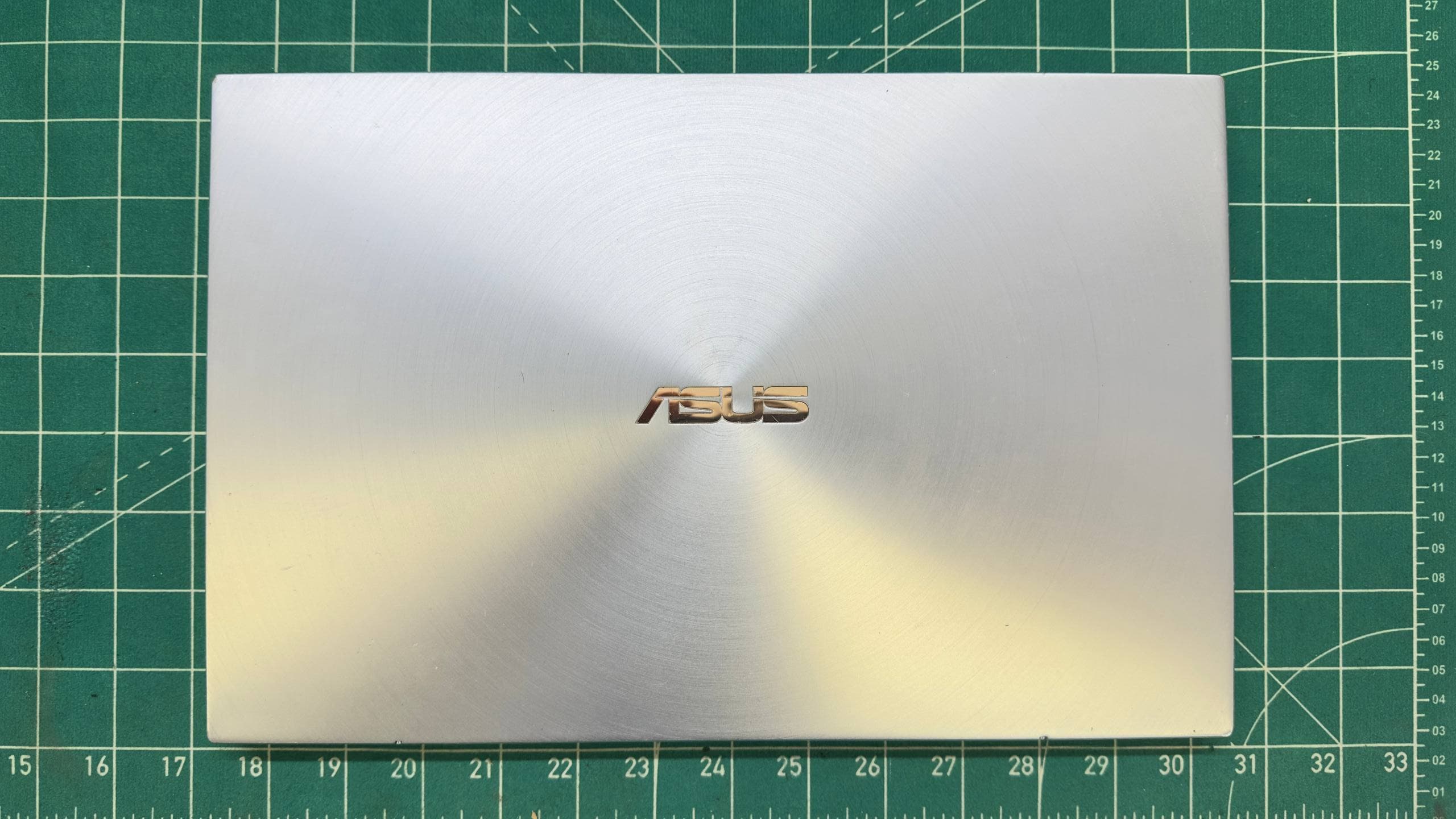
ASUS ZenBook 14 swollen battery replacement
ASUS ZenBook 14 swollen battery replacement in Belgrade: safe disassembly, charging diagnosis, compatible battery installation and full testing.
ASUS ZenBook 14 after repair: the swollen battery was replaced and normal charging and battery operation were restored.
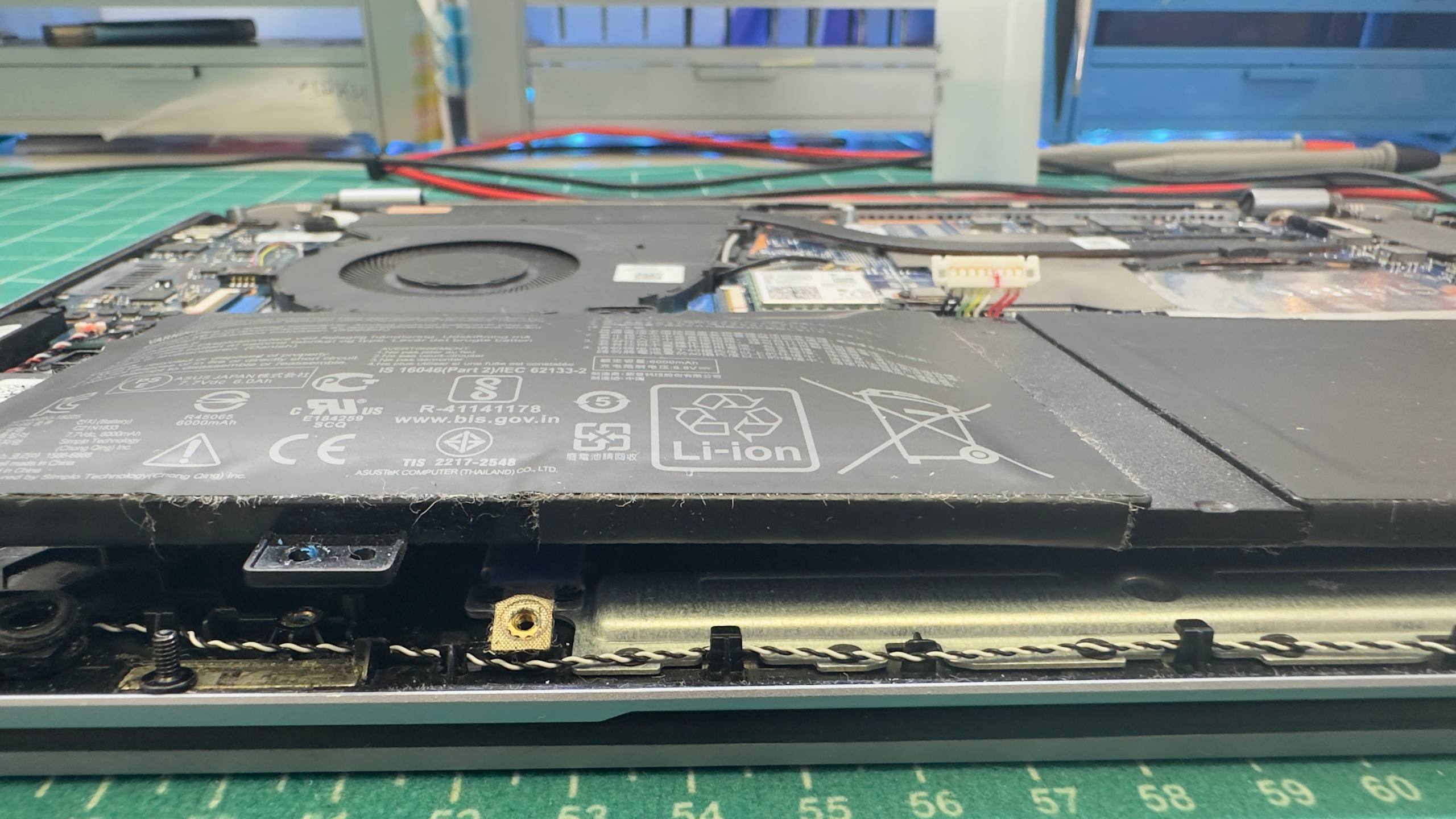
This ASUS ZenBook 14 arrived with a badly swollen battery. The battery pack had expanded enough to press against the surrounding chassis. The laptop could still operate, but continued use was unsafe: a deformed lithium-polymer pack can damage the touchpad, keyboard, bottom cover, flex cables and motherboard.
The repair was completed successfully. We carefully opened the laptop, disconnected and removed the swollen battery, inspected the charging path, installed a compatible replacement and tested the complete device. The ASUS now charges normally and runs correctly from battery power again.
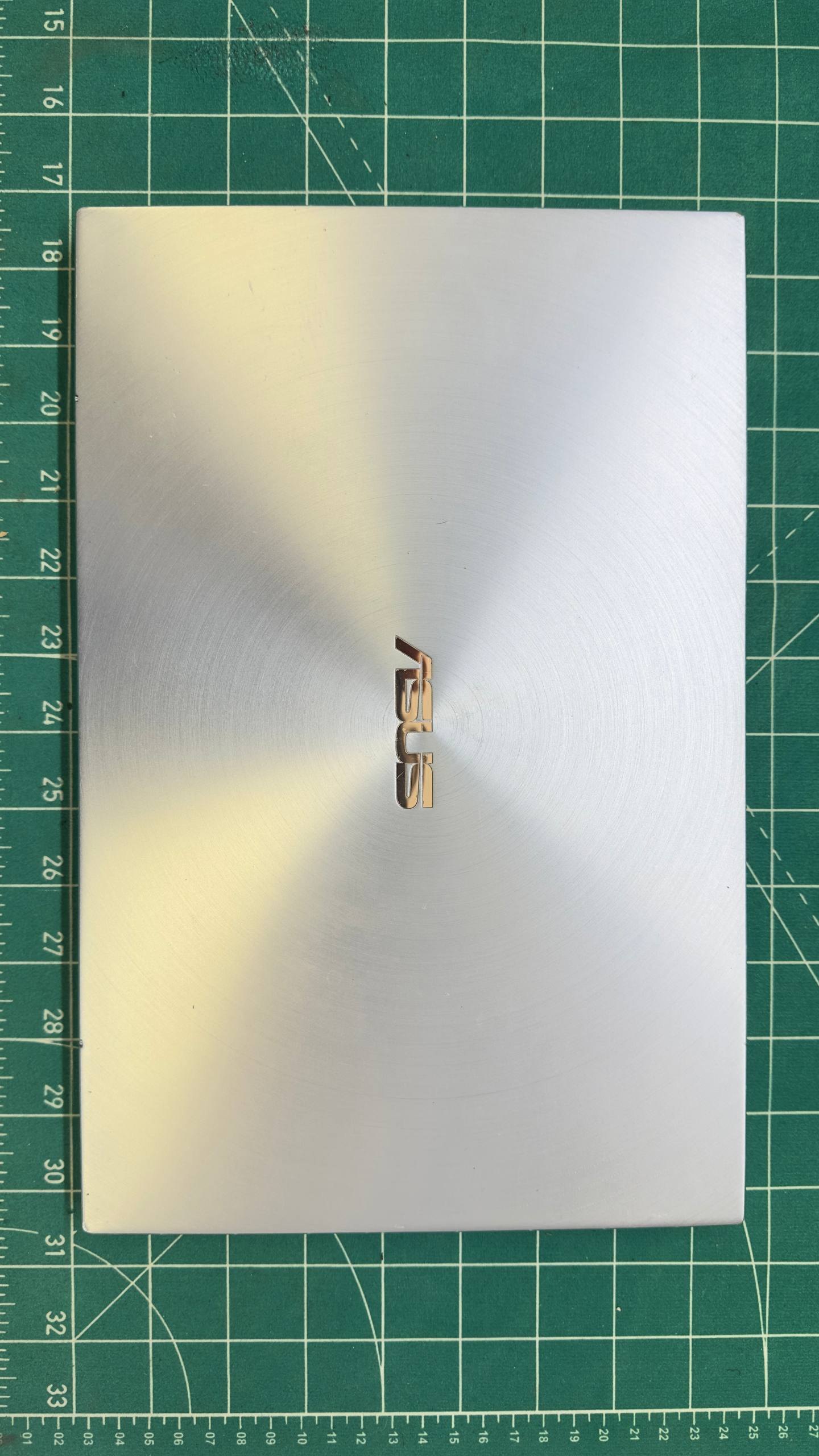
Signs of a swollen laptop battery
A battery does not always swell suddenly. Early deformation may be subtle, and the symptoms are often mistaken for a chassis, hinge or touchpad problem. Warning signs include:
- the bottom cover no longer sits flat or has started to bow;
- the laptop rocks on a level desk;
- the touchpad is raised, difficult to click or no longer clicks;
- a gap appears between sections of the housing;
- the keyboard deck or palm rest is changing shape;
- runtime falls sharply, the percentage jumps or the laptop shuts down unexpectedly;
- the chassis becomes unusually warm around the battery;
- the cover feels as if it is under pressure when the laptop is carried.
Even if the computer still turns on, swelling is physical battery damage. Calibration, drivers or a full discharge cycle cannot return deformed cells to a safe condition.
Why a swollen battery is dangerous in an ASUS ZenBook
Thin ZenBook models use almost all available internal space. The battery, motherboard, speakers, touchpad and bottom cover have very little clearance between them. As the battery grows thicker, it transfers pressure to nearby parts.
That pressure can break mounting points, bend an aluminium chassis, tear a touchpad cable, interfere with the keyboard or stress the motherboard. Tightening the screws or forcing the cover closed can damage the battery further.
Puncture, strong compression, heat and charging an obviously deformed battery create additional risk. A swollen laptop should not be used until complete failure.
What we found during disassembly
Once the bottom cover was removed, the deformation was obvious from the side. The battery pack had risen above its normal plane and was forcing the housing outward.
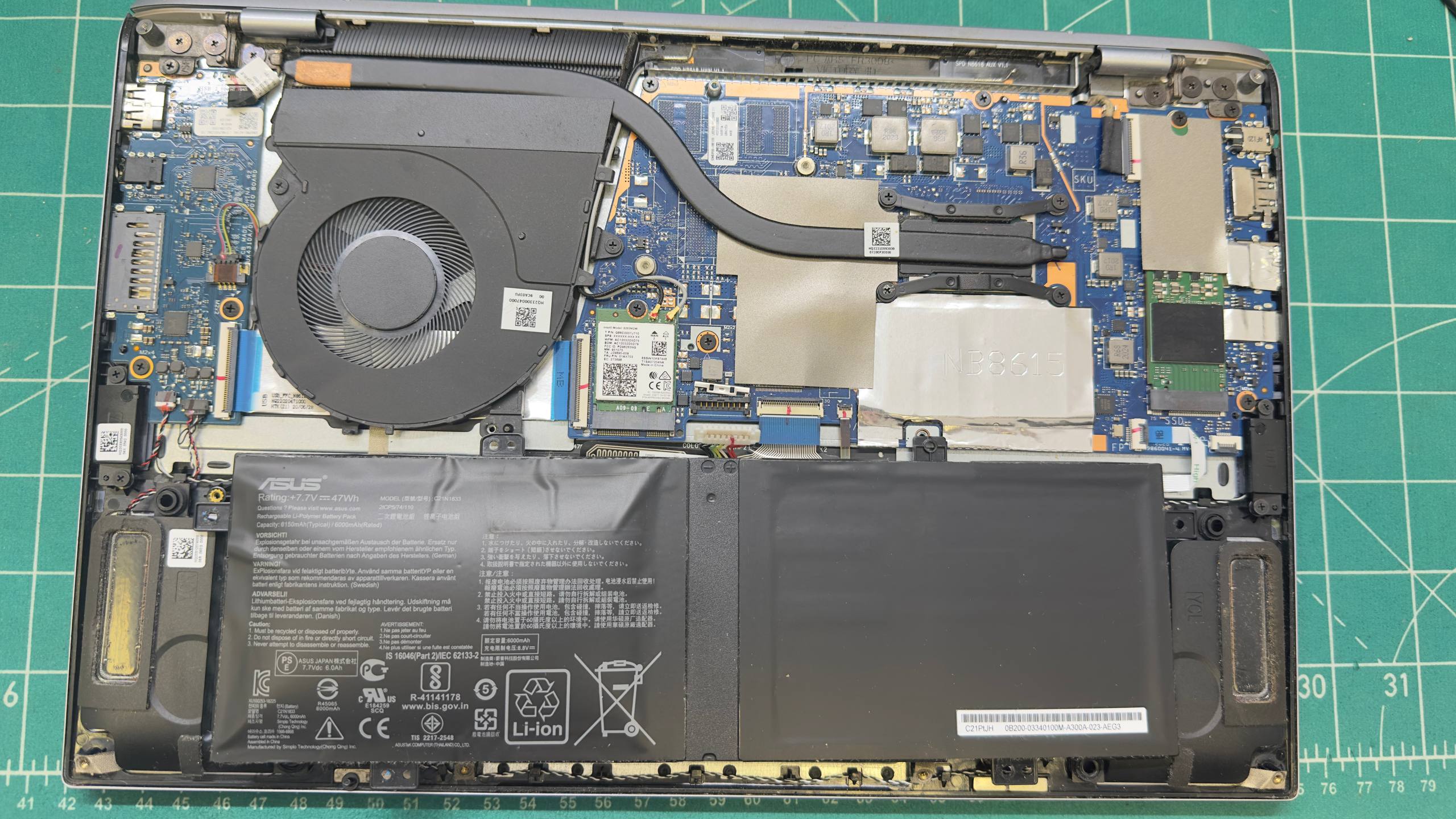
Before removal, we shut down the laptop and disconnected the battery connector from the motherboard. This matters because a connected battery keeps parts of the board energised, and accidental tool contact can cause a short circuit.
The inspection covered:
- the battery connector and wiring;
- signs of overheating, liquid or previous repair work;
- chassis and mounting-point geometry;
- charger detection and operation of the charging circuit;
- the touchpad, speakers and nearby flex cables;
- replacement compatibility by part number, voltage, connector, dimensions and mounting points.
A replacement should never be selected only by the name “ASUS ZenBook”. Visually similar variants can use different batteries. Compatibility has to be confirmed from the exact laptop model and the original part number.
How the battery was replaced
The swollen pack was removed without puncturing, bending or compressing the cells. We inspected and cleaned the battery bay, then installed a suitable healthy replacement. The cable was routed in its original position and the fasteners were tightened without excessive force.
After reassembly, we checked:
- Whether the power controller and operating system recognise the new battery.
- Whether charging starts without errors or interruptions.
- Whether the laptop remains stable on battery and on the AC adapter.
- Whether there is abnormal heat around the pack or charging circuit.
- Whether the reported charge percentage changes normally.
- Whether the bottom cover sits flat and the touchpad works correctly.
The laptop became fully operational after replacement. Charging is stable, battery operation has been restored and the chassis is no longer under internal pressure.
Why laptop batteries swell
Lithium-polymer cells undergo chemical changes as they age. Wear, heat or an internal fault can produce gas that remains trapped inside the sealed pouch and expands it.
Battery life is affected by:
- normal ageing and a high charge-cycle count;
- sustained operation at high temperature;
- a blocked cooling system and an overheated chassis;
- long storage while fully discharged;
- a faulty or unsuitable power adapter;
- physical damage after impact;
- continued use of an old battery that has lost substantial capacity.
Keeping a laptop connected to power does not automatically mean its battery will swell. Temperature, age, cell quality and charging electronics matter more. Once the pack has physically deformed, however, replacement is the correct solution.
What not to do with a swollen battery
- Do not puncture the pouch or attempt to release the gas.
- Do not force the cover closed or tighten the chassis against the battery.
- Do not heat, bend or flatten the pack.
- Do not continue charging after the housing has deformed.
- Do not put the battery in household waste.
- Do not order a replacement by appearance alone; incorrect voltage or pinout can damage the laptop.
If swelling is visible, switch the laptop off, unplug the charger and avoid pressing the housing. Until it can be inspected, keep the device away from heat and flammable materials.
Is replacing the battery always enough?
Often it is, especially when the fault is caught early. Severe swelling still requires inspection of the chassis, touchpad, keyboard, connectors and board.
If a new battery will not charge, the laptop shuts down under load or excessive heat remains, the real cause may be the adapter, USB-C/DC input, charging controller or another motherboard circuit. This is why diagnosis before installation and load testing afterwards are both important.
ASUS laptop battery replacement in Belgrade
MyService provides ASUS laptop repair in Belgrade for ZenBook, VivoBook, ExpertBook, ProArt, ROG and TUF Gaming models. We replace internal batteries, diagnose charging and power faults, and repair connectors, housings and motherboards.
If the laptop housing has opened, the touchpad has lifted or battery life has collapsed, bring the device in for inspection. We identify the exact battery and check the laptop first, agree the price and then carry out the replacement.
Frequently asked questions
Can I keep using a laptop with a swollen battery?
It is not recommended. The battery is physically damaged and may continue to expand, placing pressure on the housing and internal parts.
Can I disconnect the battery and use the laptop on AC power?
Some models can operate that way temporarily after the battery has been removed safely. Opening a laptop with severe swelling is risky, however, and certain models behave unpredictably or reduce performance without a battery.
Will my data remain intact after battery replacement?
Yes. The storage drive and battery are separate components. A normal battery replacement does not erase files or require an operating-system reinstall.
How long does ASUS ZenBook battery replacement take?
Turnaround depends on the availability of the correct part and the condition of the chassis. After installation, time is required to verify charging, battery operation and temperature.
2 views